October 5, 2026
What Is QR Gen? Free QR Codes You Can Edit Anytime
A QR code can do more than open a website.
It can show your restaurant menu, share your contact details, open a link page, start an email, or help guests join your Wi-Fi. QR Gen gives you one place to create and manage those codes.
It is free to use at poweredbytheory.com. Sign up with your email or Google, choose the type of code you need, and create it.
There is a daily limit on how many codes you can create. There are no paid plans or pricing tiers.
Start with a menu people can scan
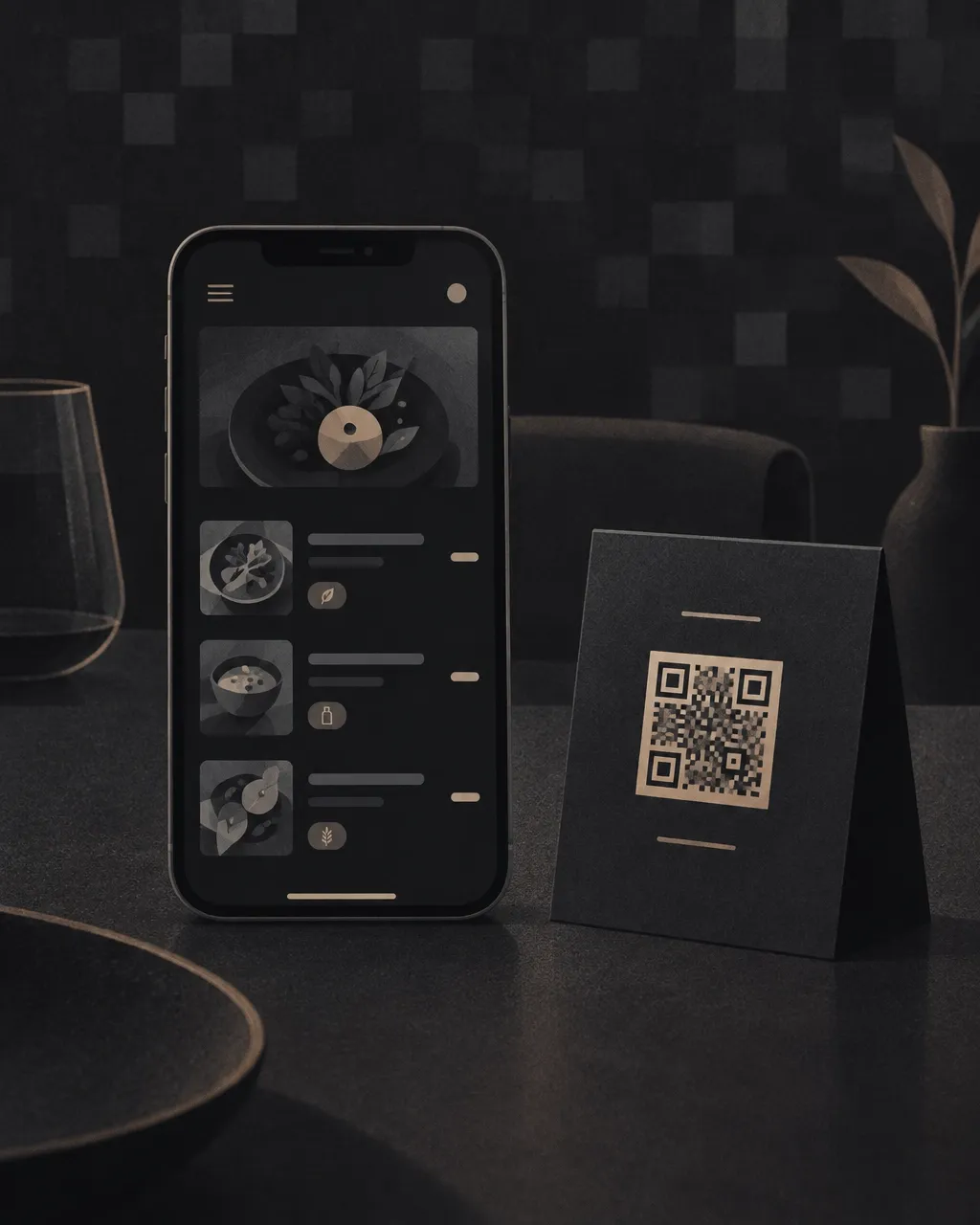
QR Gen’s newest feature is built for independent restaurants, cafes, food trucks, and bars.
Create a mobile menu with:
- Your logo and cover photo
- Dish photos
- Prices
- Sections
- Multiple prices, such as small and large or glass and bottle
- Dietary and allergen tags, including vegan, gluten-free, vegetarian, and spicy
- One-tap sold-out labels
- Opening hours and address
- Ordering and reservation links
Your menu gets a custom URL, such as /m/your-restaurant. You can rename that URL later without breaking the QR codes you have already printed.
Print the full menu with the QR code included. Or print only the QR code as a table sign, window sign, or counter card.
When a price changes, update the menu. When an item sells out, mark it sold out. Guests see the current version when they scan.
Read the full list of QR Gen capabilities.
Edit a code after you print it
Some QR codes point directly to their destination. The information is stored inside the code, so changing the destination means making and printing a new one.
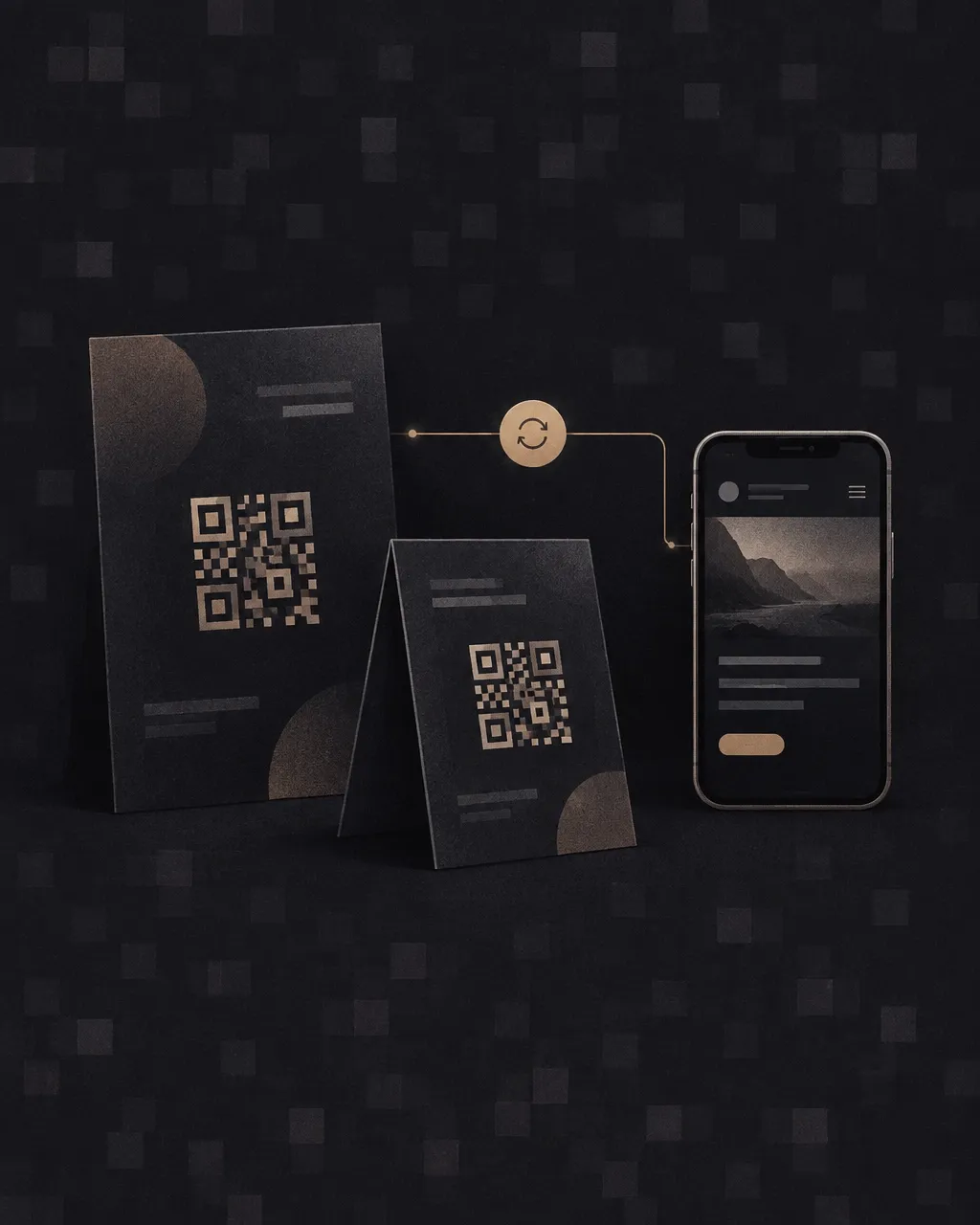
QR Gen also lets you create tracked codes that use a permanent short link. The printed code stays the same while you update what it opens.
This helps with any printed material:
- Menus
- Flyers
- Posters
- Table tents
- Business cards
- Event signs
- Product packaging
- Window displays
You can update a website link after a campaign starts. You can change a menu after printing. You can pause or archive a code when you no longer need it.
When a paused or archived code is scanned, it sends people to the QR Gen homepage instead of leaving them at a broken page.
You can also choose a direct code with no server in between. This is useful when you do not need editing or scan analytics.
See whether your code is working
A flyer can look good and still go unnoticed. A table sign can be in the right place, but you may not know if guests are using it.
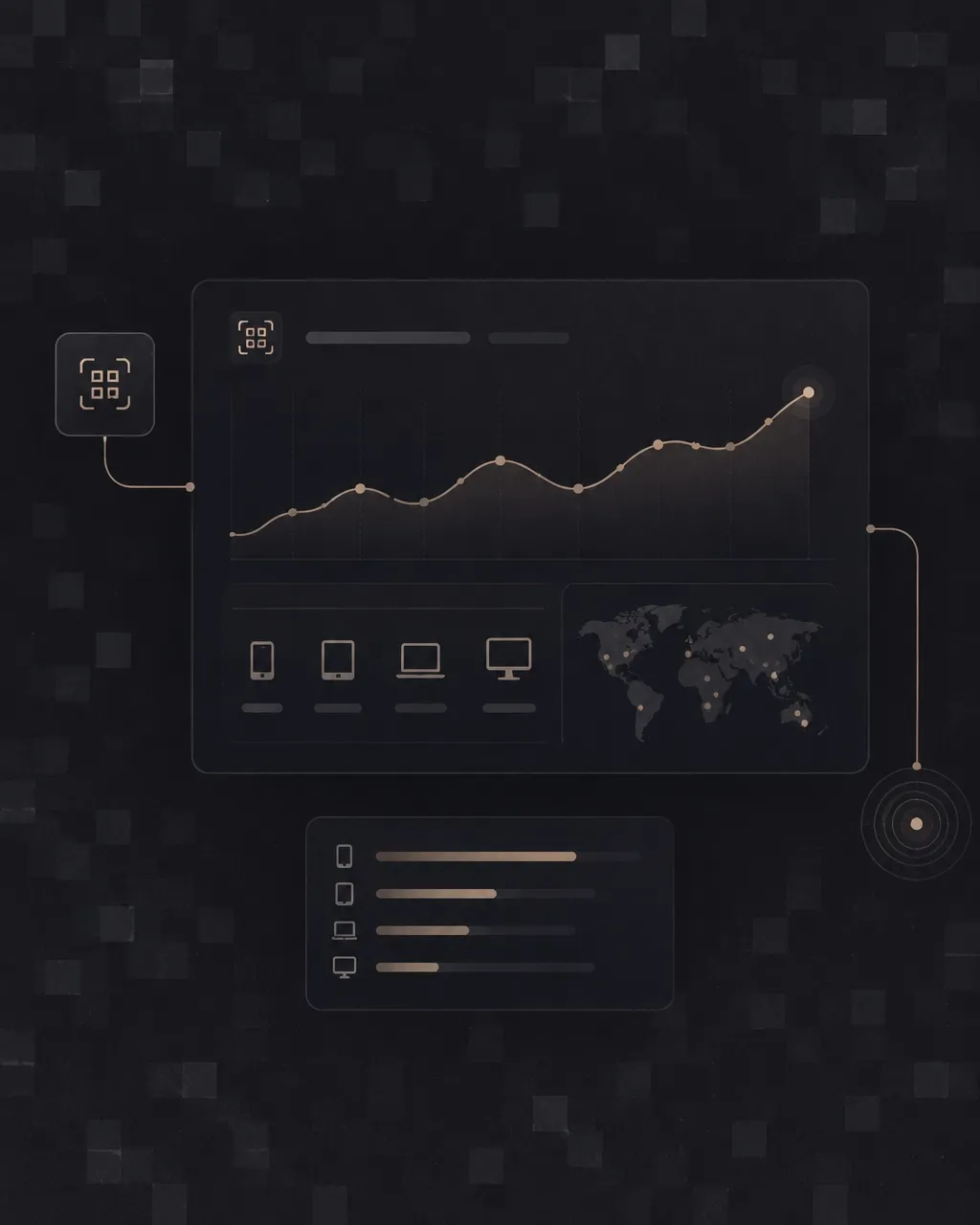
Tracked codes include scan analytics. You can see:
- Total scan count
- When scans happened
- Device type
- Approximate city and country
This gives you a clearer view of what happens after you print.
For example, you can place one code on a street flyer and another on a counter sign. Later, check which code received scans. You can also look for activity after an event, menu update, or promotion.
The information is simple. It helps you decide what to keep, move, or replace.
Make the code you actually need
QR Gen supports more than website links and menus.
Create a contact card with your photo, contact details, links, and a one-tap Save contact button. Use it at a networking event, on printed materials, or in your email signature.
Create a link page for your business, personal brand, or social profiles. Put your important links on one branded page and see which links receive clicks.
You can also create codes for:
- Text
- Phone calls
- SMS
- Wi-Fi
SMS results can vary by phone and settings. Wi-Fi codes are different from the other types. They are created in your browser, never stored on QR Gen’s servers, and are not tracked.
You can customize colors for tracked codes. QR Gen warns you when the contrast is too low for reliable scanning. Links are checked against blocklists and Google Safe Browsing. Uploaded photos are screened before they go live.
Create your first QR code
The basic process is straightforward:
- Create a free account.
- Choose a code type.
- Add your details or destination.
- Pick a tracked or direct code.
- Customize it if needed.
- Download it and test it before printing.
QR Gen is made for small businesses and professionals who need a useful code without a complicated setup.
Start with a restaurant menu. Update a flyer without reprinting it. Share your contact details. Put your links in one place.